Peggle Roguelike Preset Generator (w/ Inventory)
A downloadable tool for Windows, macOS, Linux, and Android
NOTE: Highly Inspired by Doug's Peggle Roguelike Stream
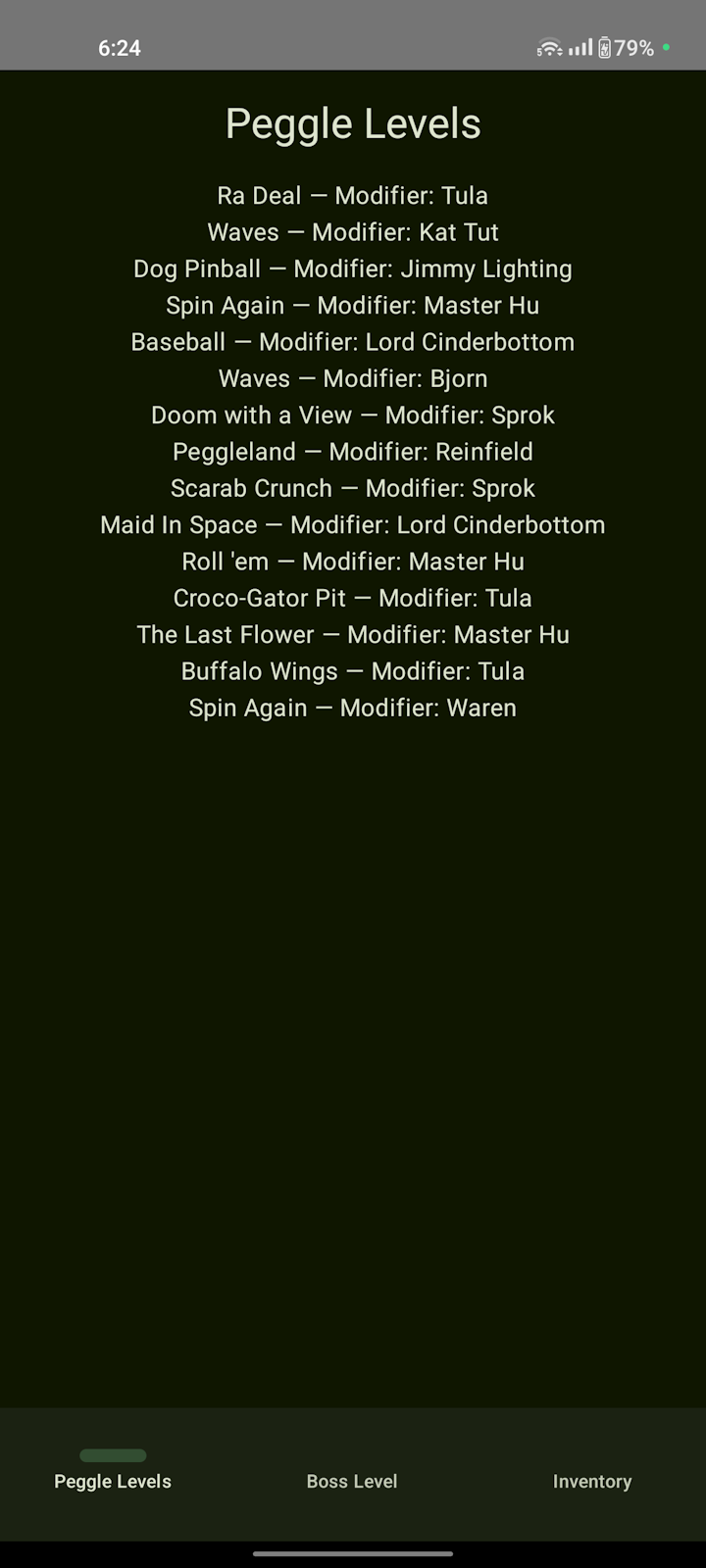
This tool will allow you to play Peggle as a roguelike by using the text files to create a layout (the layout is also present in the main download's gallery folder)
Instructions:
1. Generate the layout by running the executable from the root
2. Use the generated text file ("preset.txt") to use it as a layout
3. Run Peggle in windowed mode to properly see the layout and the inventory
4. Then enjoy by using either the first left, middle or right path and then follow up with the layout template
So yeah, the second digit that comes with the first digit for the levels (both normal and boss) is the hero you get for completing the level successfully (for inventory, the first digit is the heros you have, for example 1 is Bjorn because he is the first in the list, 6 is Reinfield because he is 6th in the list)
The First digit in the levels is the level is how they are put in the list of levels (example: 4 is "Das Bucket" because it is the 4th in the list, level 54 is don't panic because it is 54th in the list)
This tool's source code on GitHub: https://github.com/Ivan951236/PeggleRoguelikeGUI
Duel Notice:
This tool can also be used with the Duel mode in Peggle Deluxe,
Also, a recent update makes it easy to use without any text editors
This also converts the existing project to Java which requires installing either the jdk package or the jre package which is already in the Java project
You may either use Oracle's, Adoptium's or Azul Zulu for this
You may also use the files from the Java project
If the user runs out of heroes to use, then by default they have to use Bjorn for this
and rest goes to the Java project.
Download
Install instructions
Download to any folder, install to any folder by extracting from the archive
For Android: Install .APK file by tapping on it in any file explorer, then selecting package installer as the installer (if prompted)
Development log
- Hard Version added!Oct 27, 2025
- New Features to Android appOct 26, 2025
- Added Manual Calculation InstructionsOct 24, 2025
- Session IDOct 24, 2025
- Major UI Overhaul + Easier DuelOct 23, 2025
- Regrettable news for Linux Users + UI ImprovementsOct 05, 2025
- Security Patches (v1.3.2)Aug 10, 2025
- Adding a Option for Android AAB downloadAug 09, 2025


Leave a comment
Log in with itch.io to leave a comment.